Thursday, 24 October 2013

Traveling application for mobile

In our mobile and usability class, we are to create a traveling mobile app for either a smartphone or a tablet.

I picked to do for an android smartphone and decided to do on Putrajaya's parks.

  As we all know that Putrajaya has a wonderful scenery and it has many parks surrounds it. However, we couldn't pinpoint what is existing or how to get there. Moreover, the foreigners especially those who loves nature, they would miss this places without even knowing it.

 The Putrajaya's tourism department already have an apps but it wasn't focus on only parks but the overall of Putrajaya. Hence, I think that an app based on the parks should be done.


                 I begin with a few sketches and try installing parks apps from the other countries :


These are my wireframe:


Page 1: The main page before the user goes deeper into the apps.
Page 2 : The main menu. There are a few buttons ; about (Putrajaya), area map and parks with the button that scrolls down.


Page 3 : About Putrajaya. Basically it is the usual text with image at the top. A little arrow at the right of the screen is to go back to the menu page.

Page 4 : One of the park's page. Just below the image of the park, there are 4 buttons namely call, location, ticket booking and photo gallery. Below it are the description, opening hours and all the other detail about the specific park.


Page 5 : The photo gallery page. Where there are many thumbnails of the pictures taken in the park. It can be pop up if the user wants to view it.

Page 6 : The side panel of the back button. To make it more convenient, user can directly where they want to navigate next.

The mock up:


Theres a possibility some of the design and coloring will be different.

Rigging and Parenting practice (Maya)

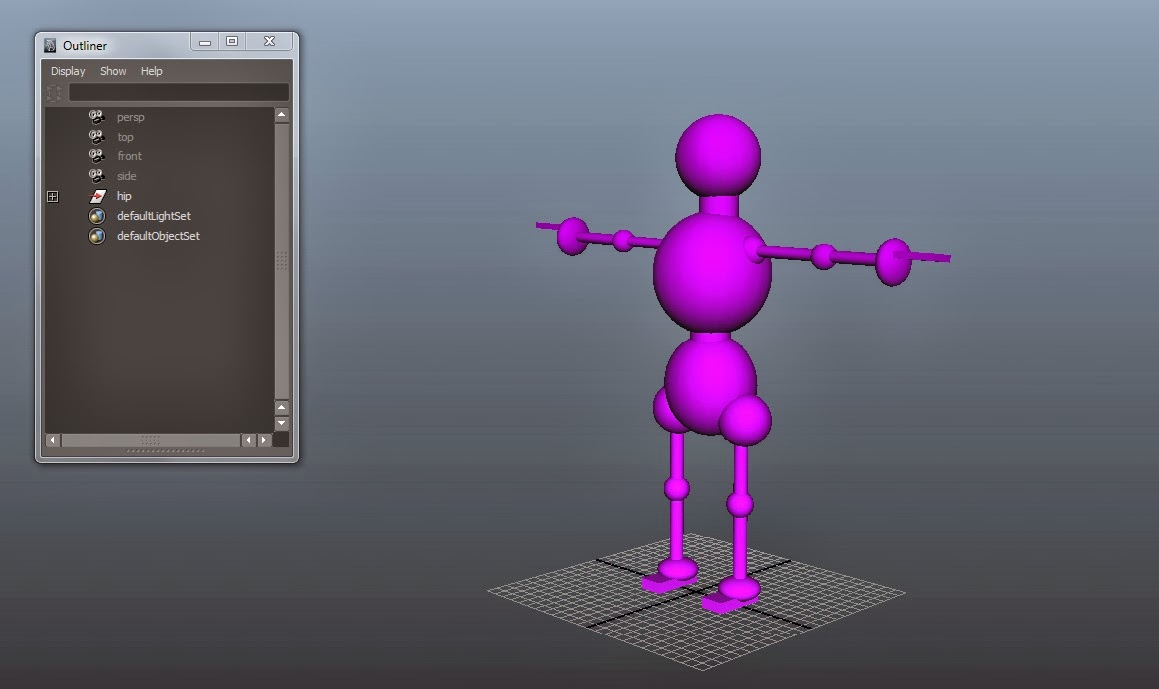
   For almost 3 weeks in 3d Animation class, we learn how to do rigging on skeleton and also this morning, the lecturer decided to test our memory. He told us to create our own body structure and do the parenting for the body parts to make it adjustable.


Rigging on a skeleton

Other than that, he also give a quick teaching on how to put in 3 shades of color for rendering...


This process can be really hard and difficult to remember the steps but after if I remember the basic understanding of the structure, it has become easier to do. However, I can say I couldn't it a second if I were asked to.

Sunday, 29 September 2013

Preparation for game design assignment 1

For our first assignment of game design, we are to create a drag and drop based game.

So my storyline for it is,

    The player found himself in the woods, curious how he got there, he went further into the woods. In the woods, he saw a huge castle and a princess was staring at the moon. She was really a beautiful lady but she had a sad face on her. As the player stood there, he saw the princess is holding onto something but he couldnt get to see what is it. Suddenly another man appeared and the princess seems sadder. The man as furious and threw the thing towards the woods and went back in.

  The player wanted to help the princess so he went and search for the thing. It appears to be a pocket watch but it was broken due to the impact.

The task of the player is to put the glass of the watch back to place. While the next level will be putting back the gears at the back of the watch….

So here are the latest progression of the game:


the flowchart of the gameplay

lvl1 game

lvl2 game

ideas for the character (midget or human size)

Princess idea skectes

Confirmed character design for Princess

character design of the man

confirmed character design for the man

layout of the game


process into the game

lvl 1 watch look at each stage

main menu idea

gear design for the lvl 2

Adding into photoshop for the character and layout

the trees of the forest

the castle 

the princess (1/2 way there~)

the Princess

2D Animation updates

My 2d character, Momiji


Drew many of him chasing the butterfly but end up falling into a lake….
(Stopmotion)

And this for rotroscoping assignment


Final project for 3D Animation

We are to choose a toy model and model it into Maya. So, I chose this:


I had to sketch it out as it is hard to see the proportion as the robot is a little broken on the limbs.


The sketches is based on this….


My final model….


Space


In this tutorial, we learnt how to make the canyon effect and we made it into a space traveling adventure.

Eva.

For so long, I havent been updating…. so here are a few updates I had to put up….


We started with the basic curve of the face from the side view

From the lips we moves to the eyes

And lastly, we touch it up with the face and the edit a little to get the features we wants